
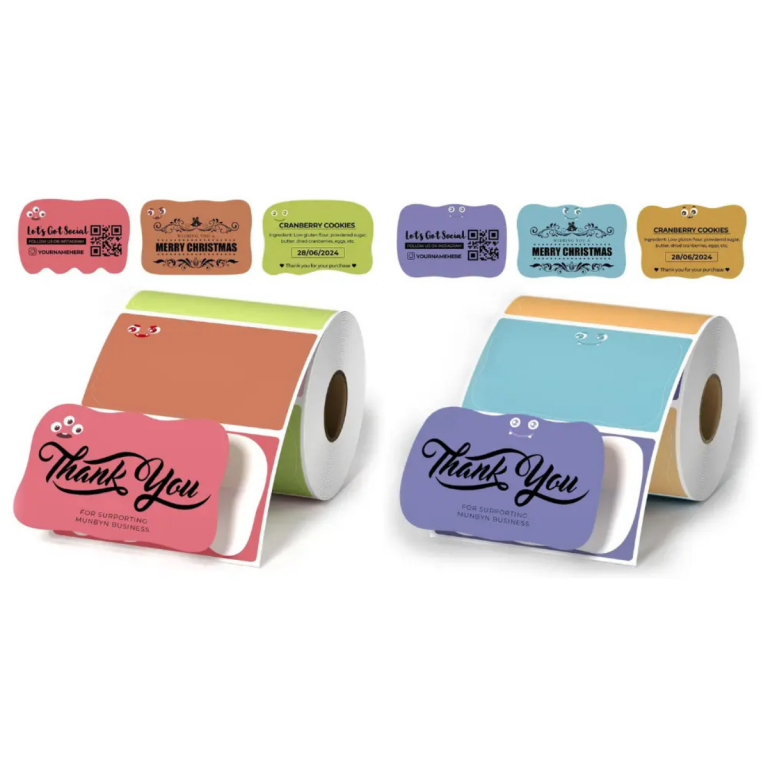
How to Use Paper Rectangle Labels for Your Packaging Needs
As a leading manufacturer of custom packaging printing boxes, we understand the importance of using the right labels for your packaging needs. Whether you’re organizing shipments or adding branding to your packaging, paper rectangle labels are an essential tool. This guide dives deep into the various templates, sizes, and tips for using these labels effectively. By the end of this, you’ll have a complete understanding of how to use and design these labels for different industries and needs.
What Are Paper Rectangle Labels?
Paper rectangle labels are versatile labeling solutions widely used in packaging, organization, branding, and shipping. These labels provide a clean and professional way to display information such as product details, branding, barcodes, or instructions. With pre-designed templates and custom printable options, they can be tailored to meet your specific requirements.
Why Use Paper Rectangle Labels Templates?
Using templates for your labels ensures uniformity, precision, and hassle-free printing. A paper rectangle labels template is particularly useful when you need standard sizes, such as 2” x 3, or want to align your content perfectly on the sheet. Whether you’re using the Avery rectangle labels template or any other design tool, templates are designed to save you time and eliminate guesswork.
For those just starting out, there are paper rectangle labels template free options available online. These free templates allow users to experiment without committing to costly software or custom designs.
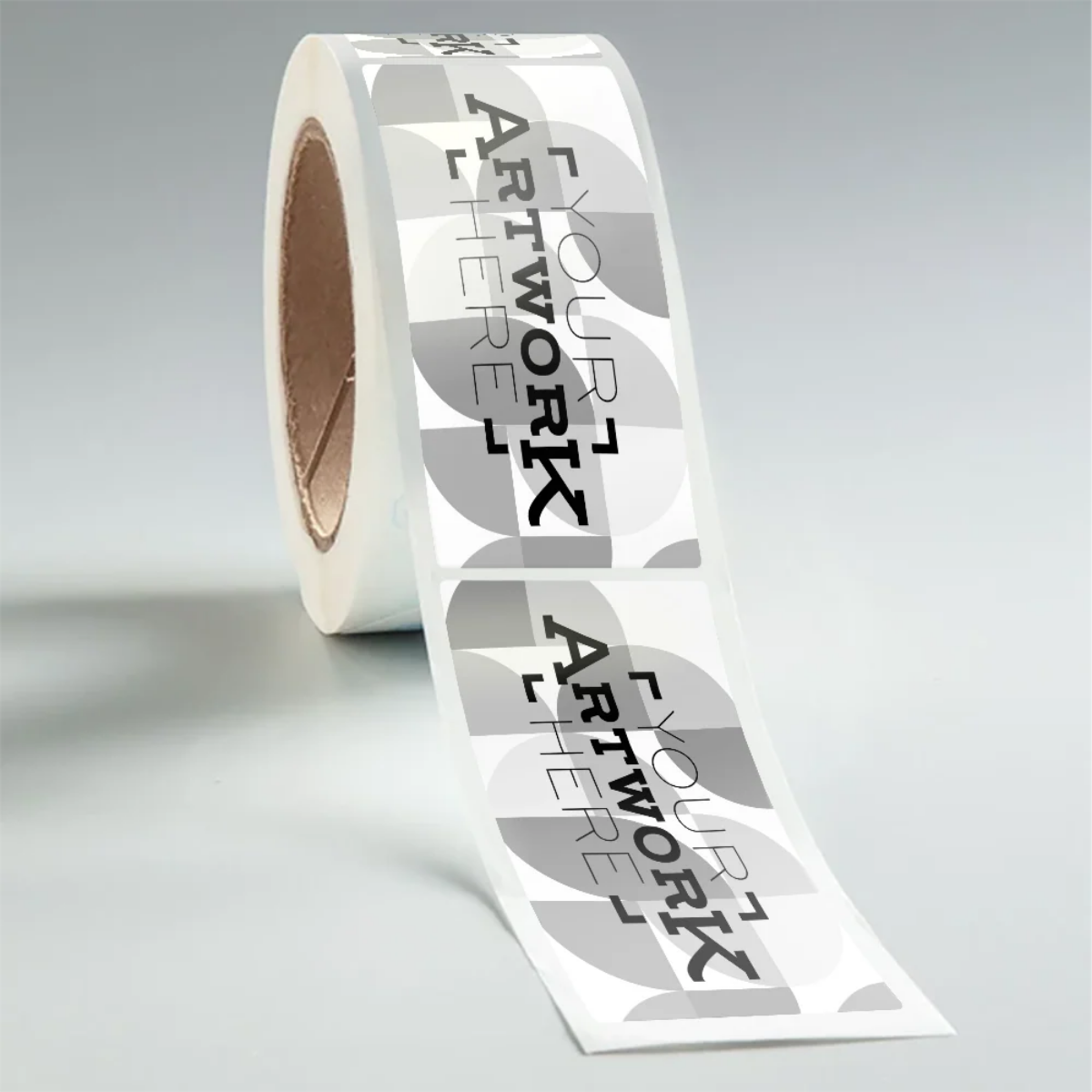
How to Choose the Right Paper Rectangle Labels Template
When selecting a rectangle labels template, consider the following factors:
- Size Requirements: Ensure the template aligns with the label dimensions you need, such as a 2” x 3 size, which is perfect for compact yet informative labeling.
- Design Software Compatibility: Use templates compatible with popular programs like Microsoft Word, Adobe Illustrator, or online tools widely available for Avery rectangle labels, ensuring ease of customization.
- Printing Specifications: Match the template with your printer type (laser or inkjet) to guarantee quality output and accurate alignment.
It’s important to test a paper rectangle labels printable version to confirm everything is correctly aligned and looks professional before mass-producing them.
Benefits of Printable Paper Rectangle Labels
If you’re seeking flexibility and cost-effectiveness, paper rectangle labels printable options are the way to go. By using printable designs, you can update, tweak, or customize designs anytime without needing to reorder pre-printed labels.
Here’s why businesses frequently opt for printable rectangle label stickers:
| Feature | Benefit |
|---|---|
| Customizable Layout | Easily adapt the design to branding or information changes. |
| Cost-Effective | Enjoy reduced costs by printing only what you need. |
| Multifunctional | Labels can be used for products, shipping, or organization. |
For example, many small-to-medium businesses utilize custom paper rectangle labels to add a touch of professionalism to their packaging, ensuring their brand stands out in the competitive market.
What Makes Avery Rectangle Labels a Popular Choice?
Avery rectangle labels are a staple in the labeling world for good reason. Known for their premium material quality, print consistency, and extensive template support, Avery labels are trusted by millions of businesses worldwide. Tools like the Avery rectangle labels template simplify the design process, making it perfect for both professionals and beginners.
When using Avery templates, ensure you choose the correct label dimensions and download a compatible software file. Additionally, most Avery rectangle labels templates include helpful measurement guides to make alignment and printing stress-free.
Best Practices When Designing Rectangle Label Stickers
Designing effective rectangle label stickers isn’t just about aesthetics—it’s also about delivering the right message clearly. Here are some tips for designing professional-looking rectangle labels:
- Include Essential Information: Focus on placing necessary details such as your company name, logo, product description, or safety instructions.
- Use High-Quality Graphics: Low-resolution images might pixelate when printed, so always use high-resolution files.
- Stick to Consistent Branding: Match your label’s colors and typography with your brand identity to create a cohesive look.
- Review the Design Alignment: Before printing, double-check the alignment guides in your paper rectangle labels template to ensure quality output.
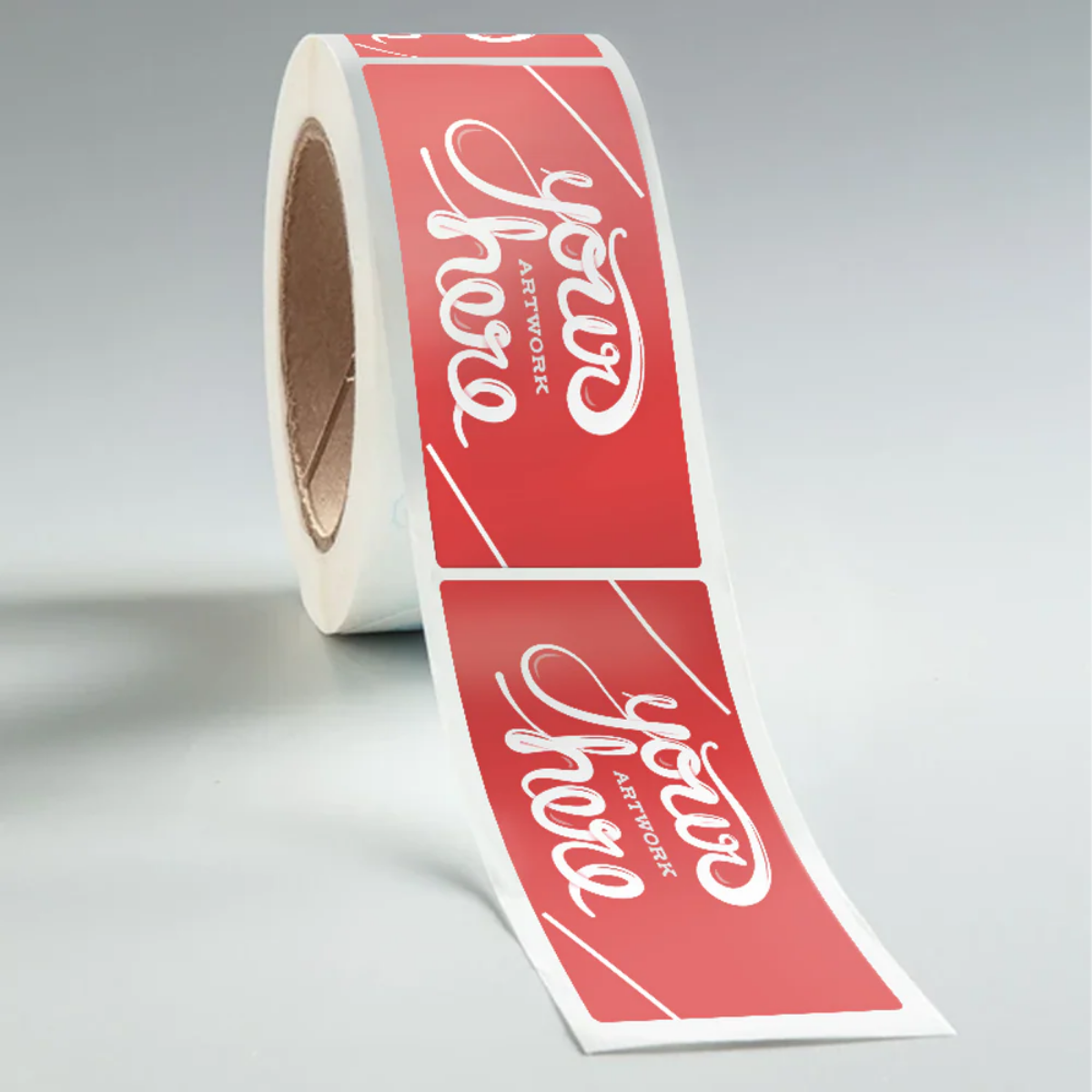
Conclusion
Paper rectangle labels and templates offer unmatched versatility and ease, making them an indispensable tool for packaging and labeling needs. From the simplicity of printable designs to the reliability of pre-designed templates like Avery rectangle labels, you have plenty of resources to create professional, effective labels. Investing time in creating well-designed labels not only enhances your brand’s perception but also ensures clear communication with your customers.
For expertly crafted and customizable options, explore the high-quality designs offered at Custom Stickers USA, your trusted destination for personalized sticker and labeling solutions.
